Paper and Pencil in the Digital Age
Background
Stay in competition
The world is changing very fast. You need to keep evolving to stay up-to-date.
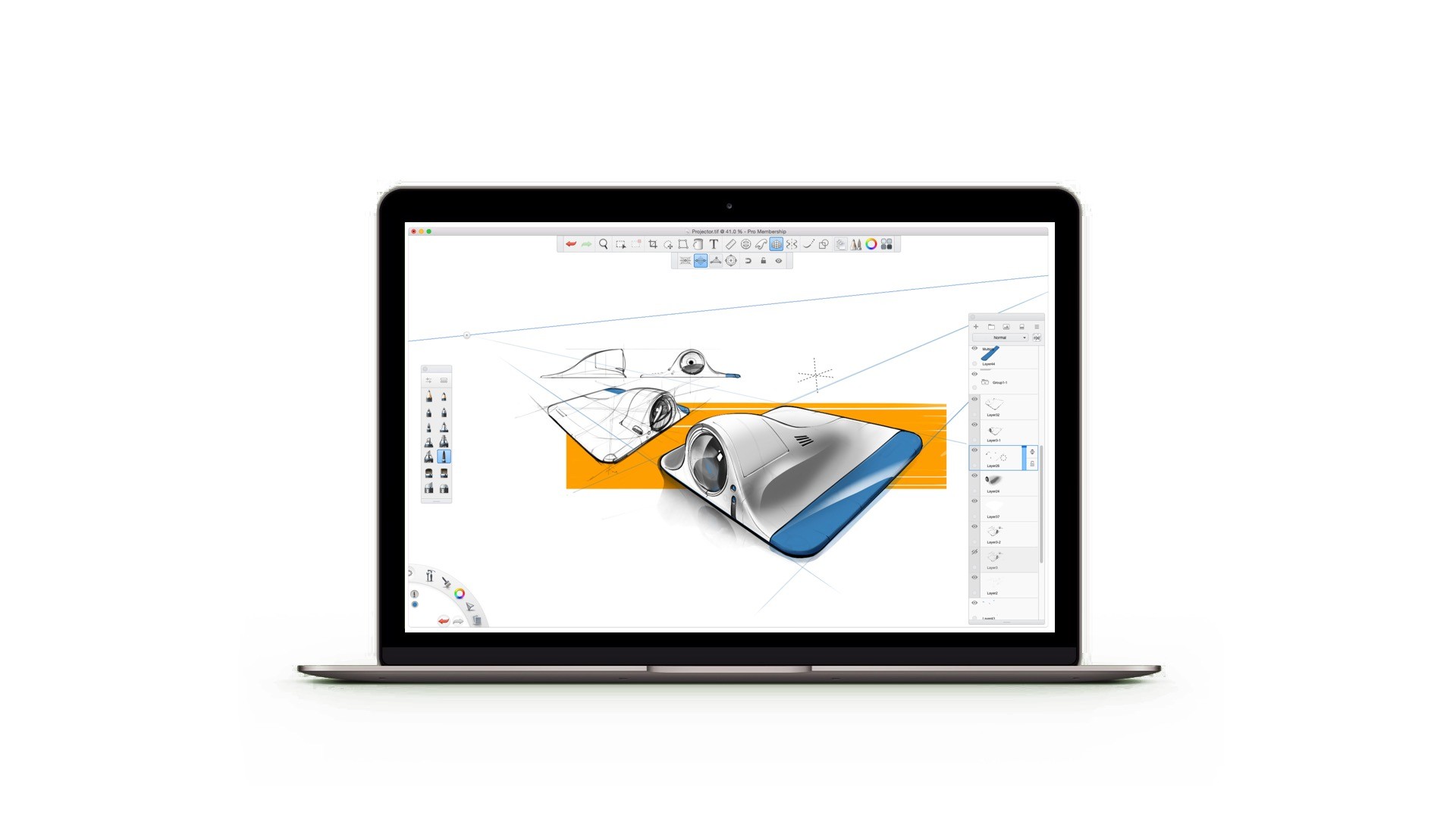
We kept injecting new bloods into SketchBook and made it always one of the best sketching app around.
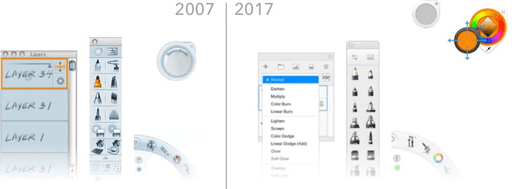
There are always conflicts between adding more functionality and keep the user interface simply and intuitive. For almost a decade, we keep improving the structure of the application to make sure it is always flexible enough for additional features, while remaining clear and clean.
In addition, SketchBook is a cross-platform applications runs on almost all modern platforms, we managed to develop a cross-platform design language and framework, which keeps the SketchBook’s “familarity” across different platforms, in the meantime also respects the platform-specific patterns and behaviors.
The perspective grids, reimagined
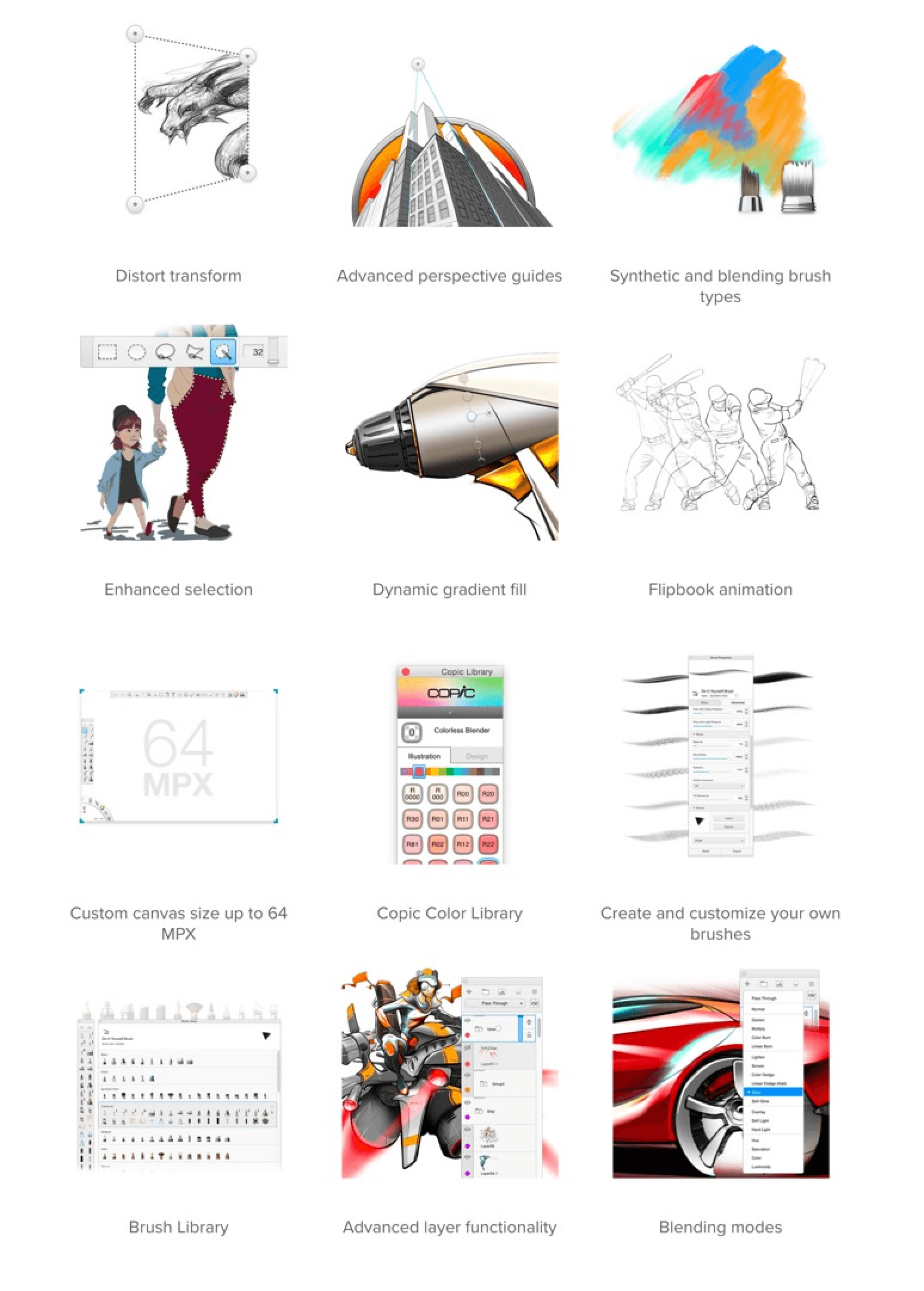
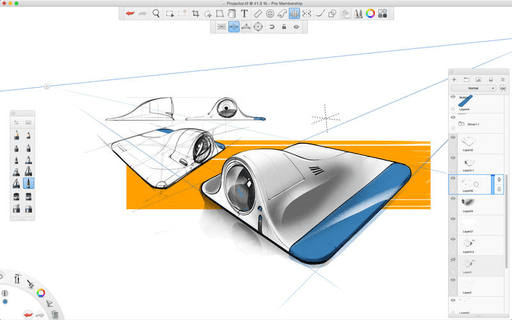
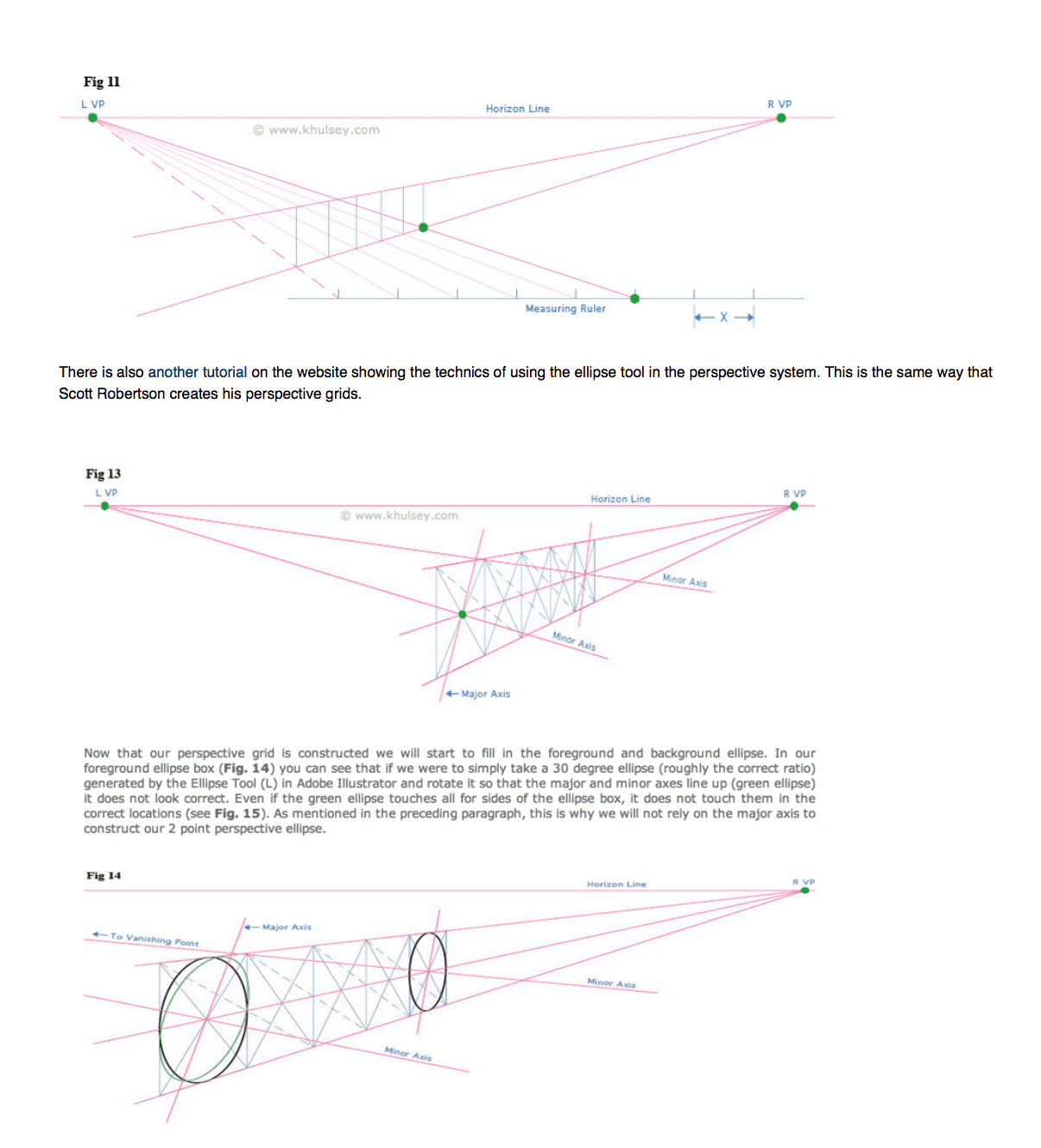
There had been lots of tools on the market helping you to set up a complex grid for perspective drawing. The problem was that the interaction with the perspective grids itself usually were too complicated and took a long time. The grids usually cover the whole canvas which could make the drawing experience distracted.
We created a new perspective drawing experience that allows you to focus on the drawing itself. All the digital guideline are just there to assist your drawing - not distracting.
The whole solution was simply, intuitive and — as Scott Robertson once commented, “kind of magic!”.
And then we made it alive
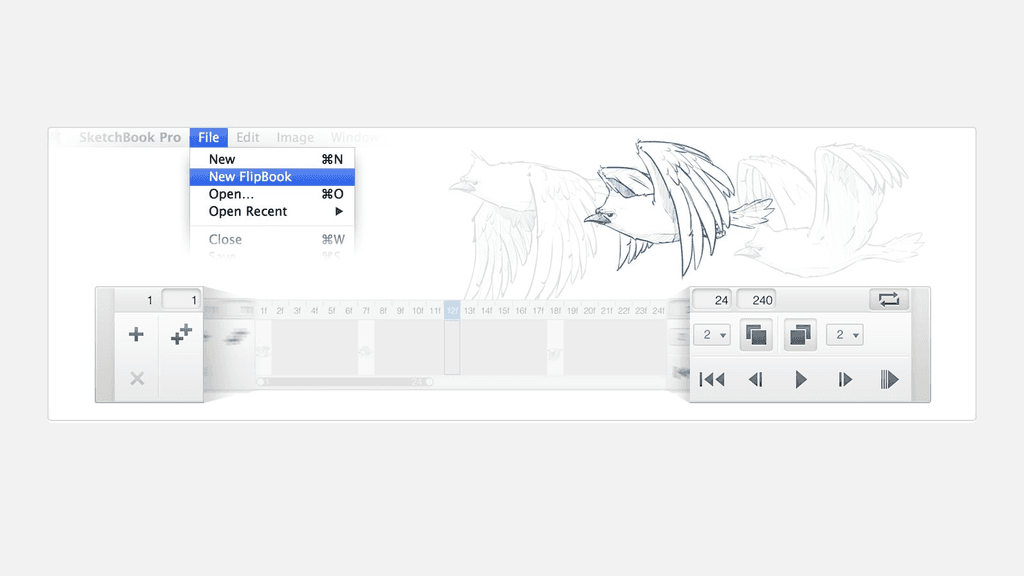
SketchBook is used by lots of animators and movie makers. They always wanted to have something simple and intuitive as SketchBook — not just for sketching, but also for story-boarding and animating. So we went to study their workflows and created FlipBook — a storyboarding feature for them to quickly bring animation concepts to life.

Embracing mobile and the touch screens
Digital sketching wasn’t so easy at the early stages. The hardware were either not very intuitive to get started with (a sketching tablet), or too expensive (like Wacom Cintiq) for most of the consumers.
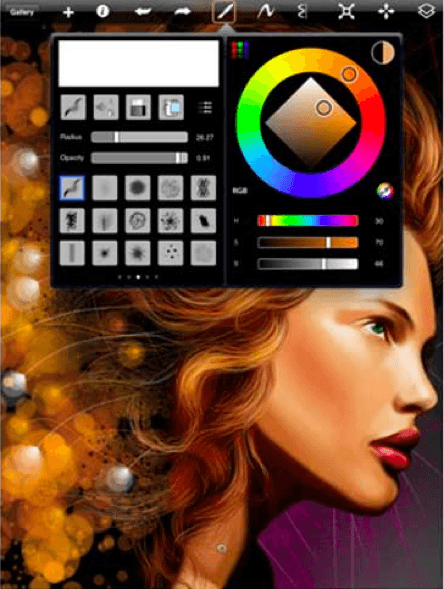
But the touch screen devices came out and changed everything. Sketching on a touch screen with fingers opens up a whole new world.
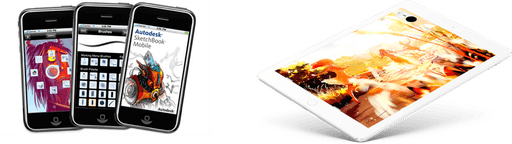
It was at the very beginning of the mobile era and we learnt piece by piece while porting the desktop SketchBook onto the mobile devices.
Bring your analog life into digital
We never forgot that the pencil and paper are the best creative tools human ever invented. We never intended to compete with them — rather, we were always seeking ways to work with people’s existing creative workflows.
We understand that both traditionally and digital sketching have their own pros and cons. What we can do here is to combine them together to get the best of each other.
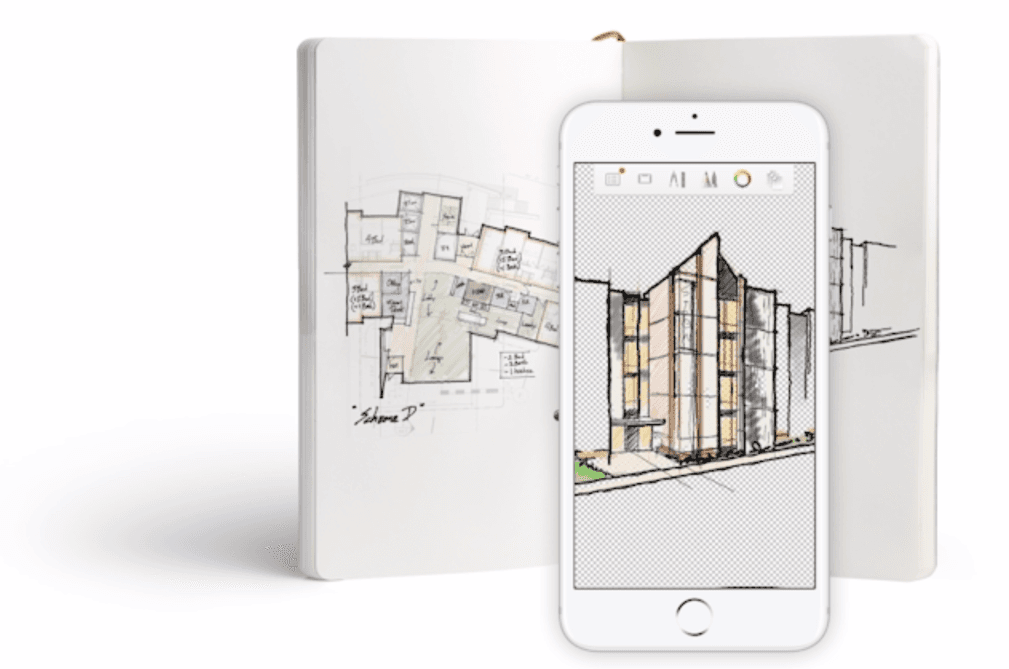
With the single snap, user can turn their quick paper sketches into digital files, with auto-corrected perspective, transparent background, preserved or removed color, etc. Then you can extend the creativity in the digital world and share it to the world.
“Hey SketchBook, give me a hug”
Early 2012, Microsoft was keened to bring some good apps onto the newly announced Windows 8 platform. They pitched us to port onto this new platform and we were happy to take the challenge.