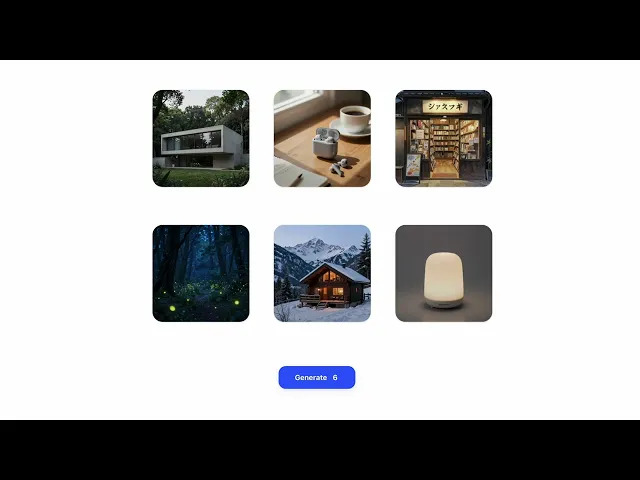
MindCraft Studio
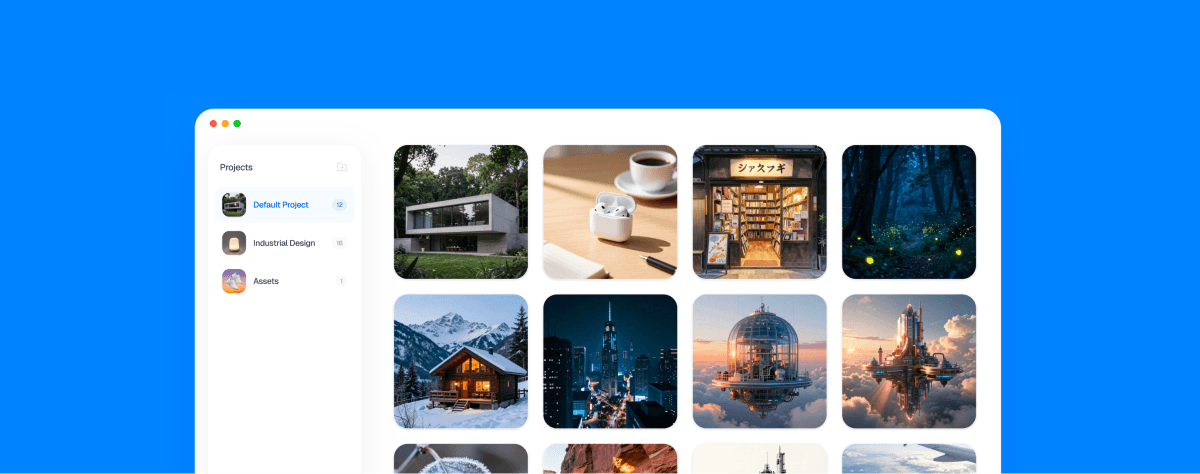
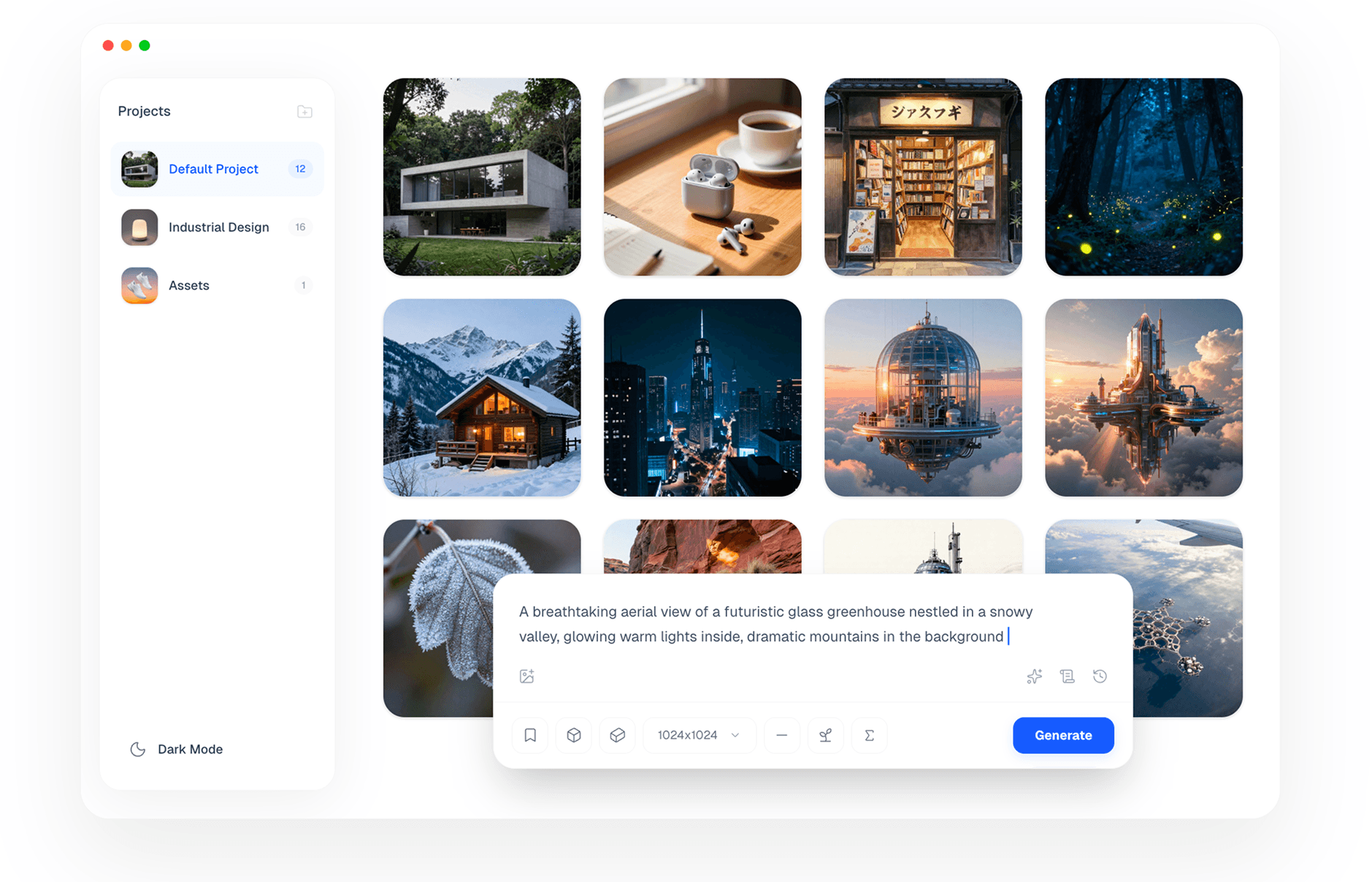
A week-by-week reflection on building a local AI image generation app in 5 weeks, exploring how AI reshaped my workflow from execution to exploration.
Background
Vibe design & develop an app in 5 weeks
The Story
Week 1 - Try, fail, repeat
The first week was all about experimentation.
I burned through almost every free tier I could find—Cursor, Trae, Kiro, Antigravity, and more. The goal wasn’t perfection, but to see whether the idea was even feasible.
By the end of the week, I had a working POC.
The concept actually worked.
And more importantly, with AI’s help, I realized that I could build this from scratch.
That moment alone was worth the week.
Week 2 — Choosing the tech stack (and changing mind)
The second week was focused on tech stack decisions—and a lot of second-guessing.
On the backend, I tried multiple approaches:
Standard Python libraries
StableDiffusion.cpp
Eventually landing on MLX
I switched backend implementations more times than I’d like to admit.
On the frontend, the story was similar:
Started with Swift
Switched to Electron
Tried Tauri
And finally decided to stick with Electron—for now
Not because it was perfect, but because it let me move forward.
Week 3 — Designing while coding
Week three was about refining the workflow and UI.
I deliberately don’t call this “vibe coding”, because I was designing while coding.
It wasn’t a linear process at all.
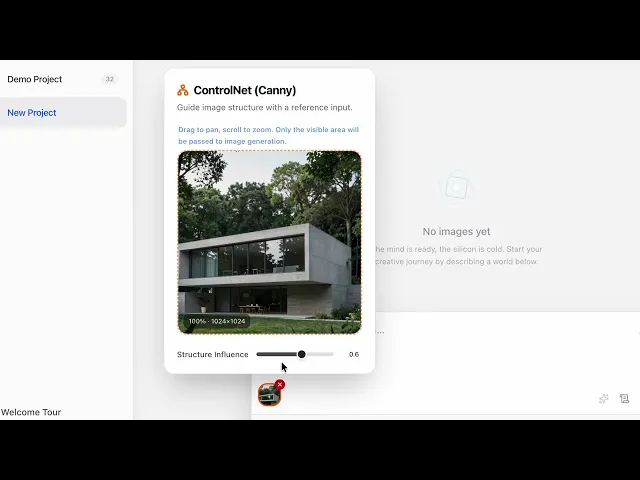
Most of the time, I only had a rough idea in my head. I’d ask AI to prototype something, review the result, tweak it, and then iterate again—piece by piece.
Design and implementation evolved together.
The product slowly shaped itself through iteration, not upfront planning.
Week 4 — Slowing down to focus
The first three weeks were intense.
I made a lot of mistakes, learned a lot of lessons, and kept adding more and more features—supporting more models, more options, more everything.
Eventually, I hit a point where it felt… too much.
So I paused.
Instead of adding new features, I started reviewing:
What are the core features that truly matter?
What needs polishing?
What should be postponed—or dropped entirely?
Around the same time, I began seriously considering publishing the app.
And honestly, the question became: Why not?
Week 5 — From project to product
The final week was all about polishing the end-to-end user experience.
I focused on making sure that:
New users can get started quickly
The app makes sense even if they have little or no Stable Diffusion background
This week was also surprisingly time-consuming on the non-fun parts:
Code signing
Making the app compliant for App Store submission
In parallel, I built a website to serve as the official introduction to the app.
And lastly, because a good product deserves a good story, I made a video to tell the story of how the app was built.
Sharing it with the world
I posted the video on Reddit to see how people would react.
There were positive comments.
There were critical ones too.
To respond to the feedback—and to clarify the vision—I made a second video, going deeper into the details and decisions behind the app.
Reflection
A New Creative Loop
Building this app changed how I create.
Ideas no longer needed to be finished to be useful.
They just needed to be startable.
Creation became less about execution, and more about staying in flow.
This app is a result of that loop.
And I’m still inside it.